

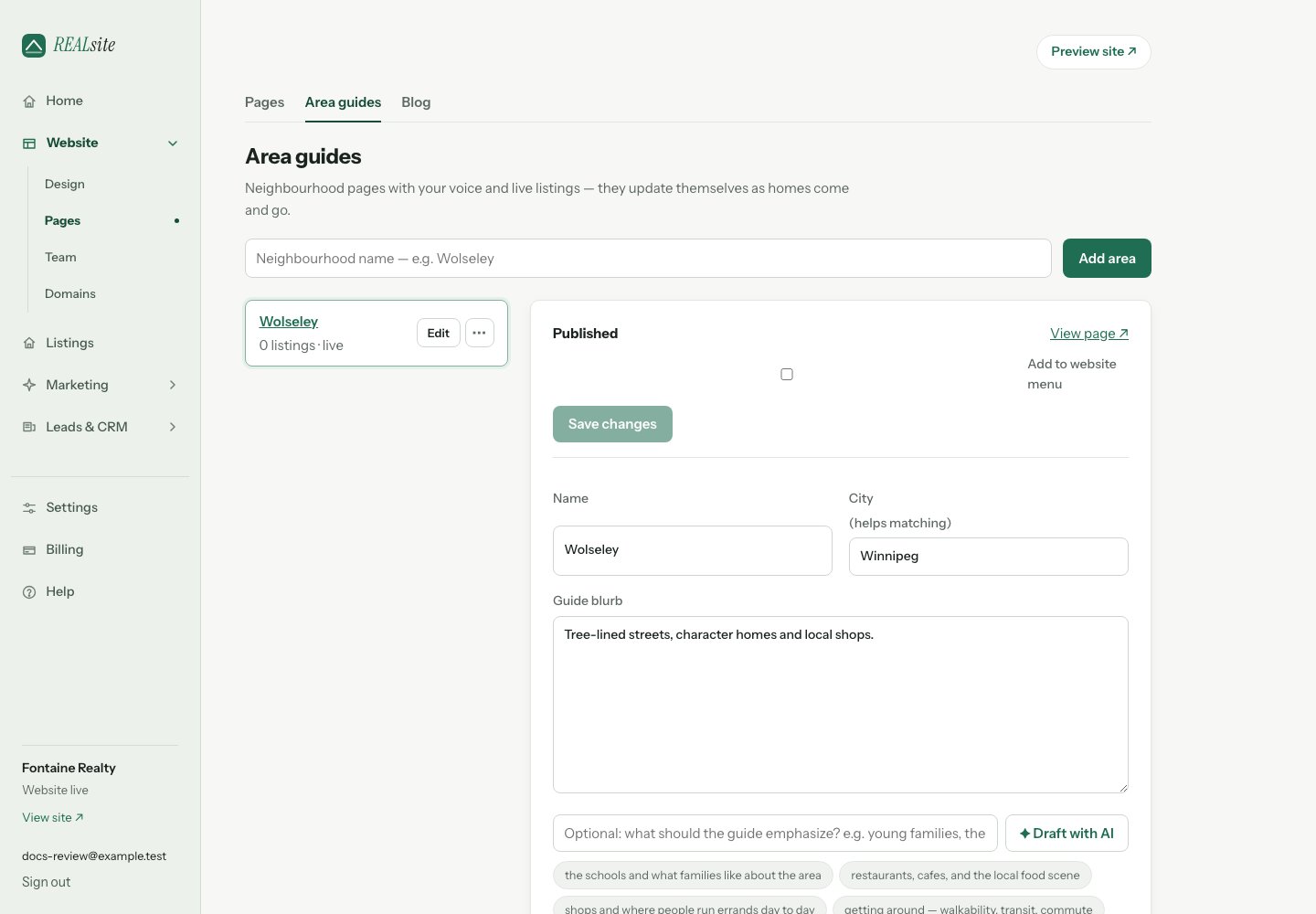
Areas: your neighbourhood guides, with live listings inside.
Creating one
In Website → Pages → Area guides, name the area and write your blurb — what you’d tell a buyer over coffee. Publish guide saves your current edits and publishes in one step. Select Add to website menu to include a navigation link at the same time, or use Save draft to keep working privately. You can also add a published guide to the menu from this editor later. If your website is still coming soon, the guide is saved for launch and the editor links to your site visibility settings. The page lives at/areas/its-name, matching
active listings appear automatically, and it joins your sitemap.