

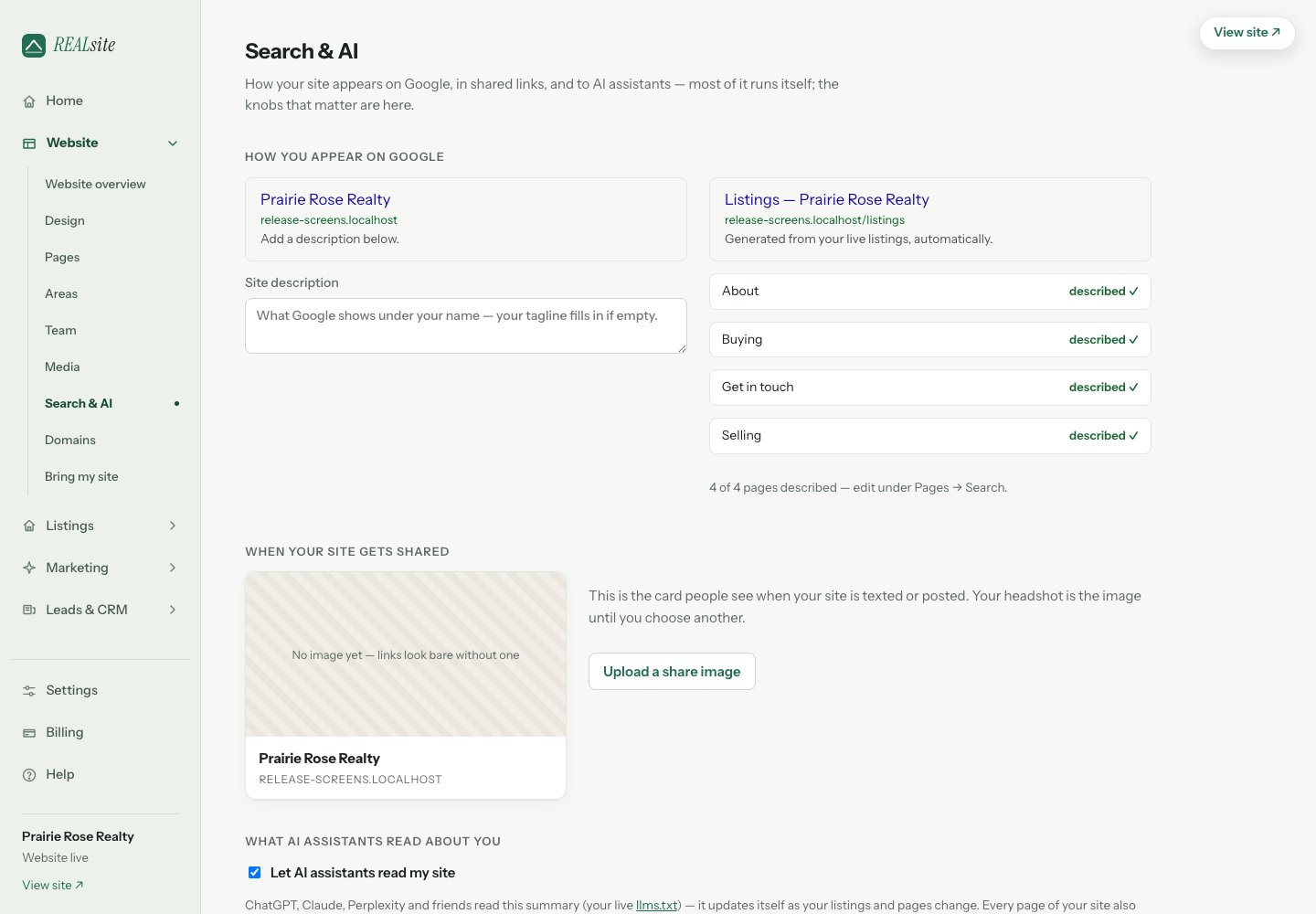
Search & AI: your descriptions, verification, analytics IDs, and the AI access switch.
What every site does automatically
- Structured data — your agent profile, listings and blog posts include machine-readable descriptions alongside the visible content.
- Sitemaps with freshness dates — public URLs and modification dates help crawlers discover your content.
- Change notifications — on a live site, publishing pages or posts and syncing listings can queue IndexNow notifications to participating search engines. These notifications do not confirm that a page has been indexed.
- An AI-readable summary — your site publishes
/llms.txt, a plain digest of who you are, your areas, and your live listings, built for AI assistants to read.
What you control in Search & AI
Open Settings → Search & AI visibility to edit your meta description, social links, Google site verification, analytics IDs (GA4, Meta pixel) and share image. Keep these consistent with your public profile and the pages visitors read. Let assistants read my site is on by default. Turning it off removes the AI-readable summary and asks the listed AI crawlers to stay out throughrobots.txt. Crawlers choose whether to honour that request; it does not
make public pages private.
Watching it work
Open Website → View analytics to review identifiable AI referrals, observed AI crawler requests and search, social and direct traffic. A crawler request shows that a request reached the site, not that an answer cited you. Referrals show visits attributed to a source, not every appearance in search or AI answers. Built-in analytics uses your site’s own activity; GA4 and Meta are optional separate integrations.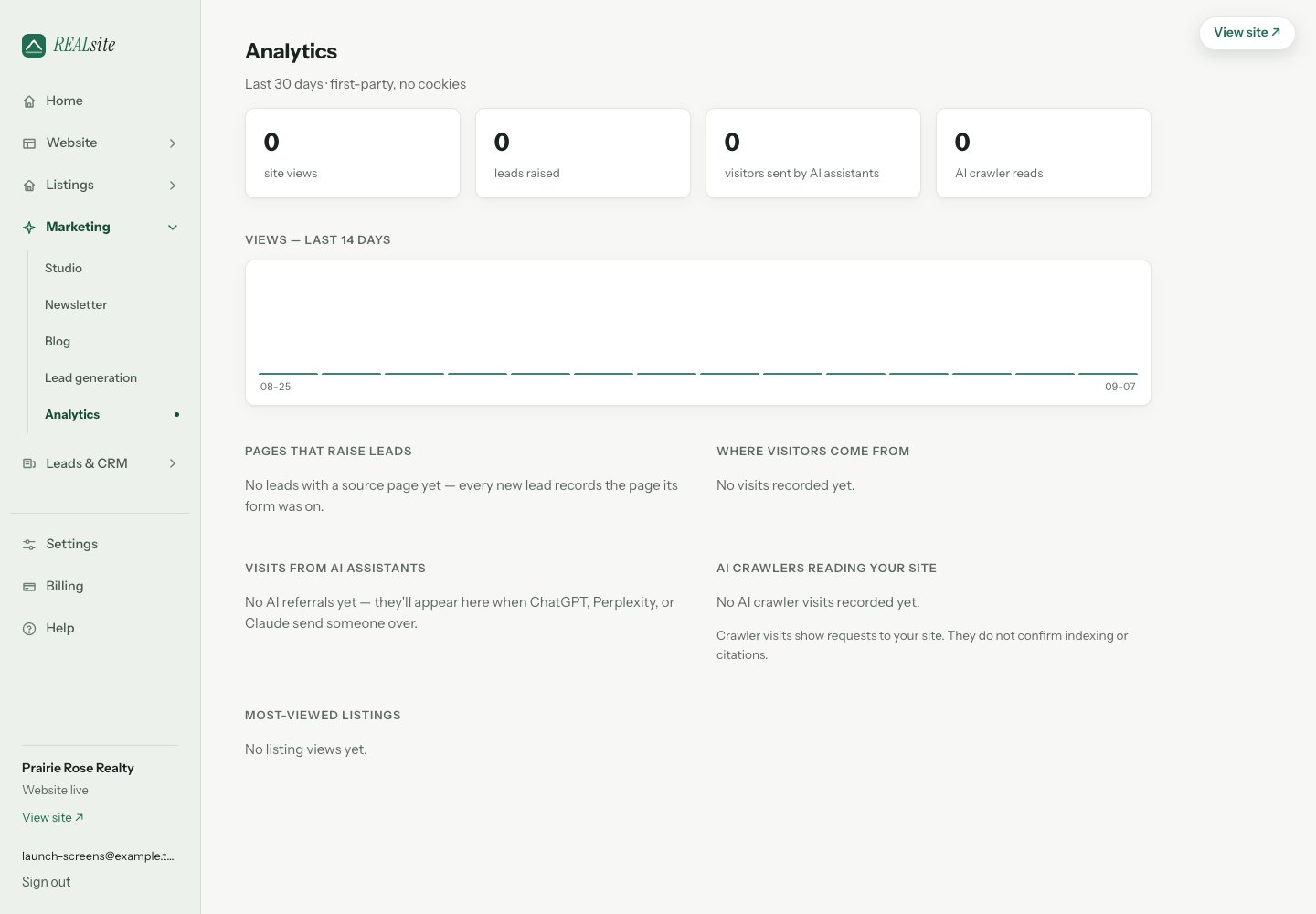
Analytics: views, leads raised, pages that raise them, and when AI assistants send you visitors.